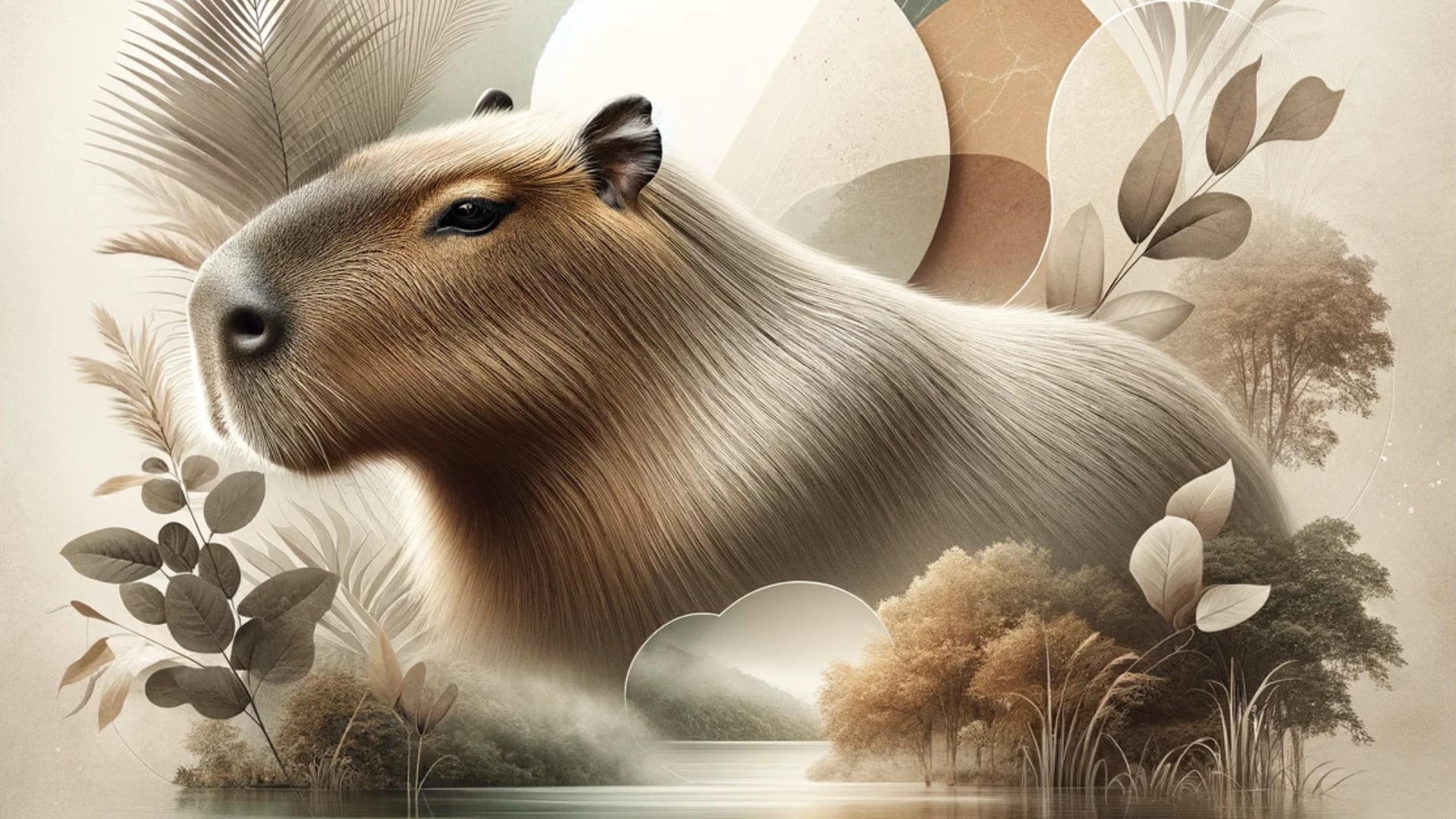
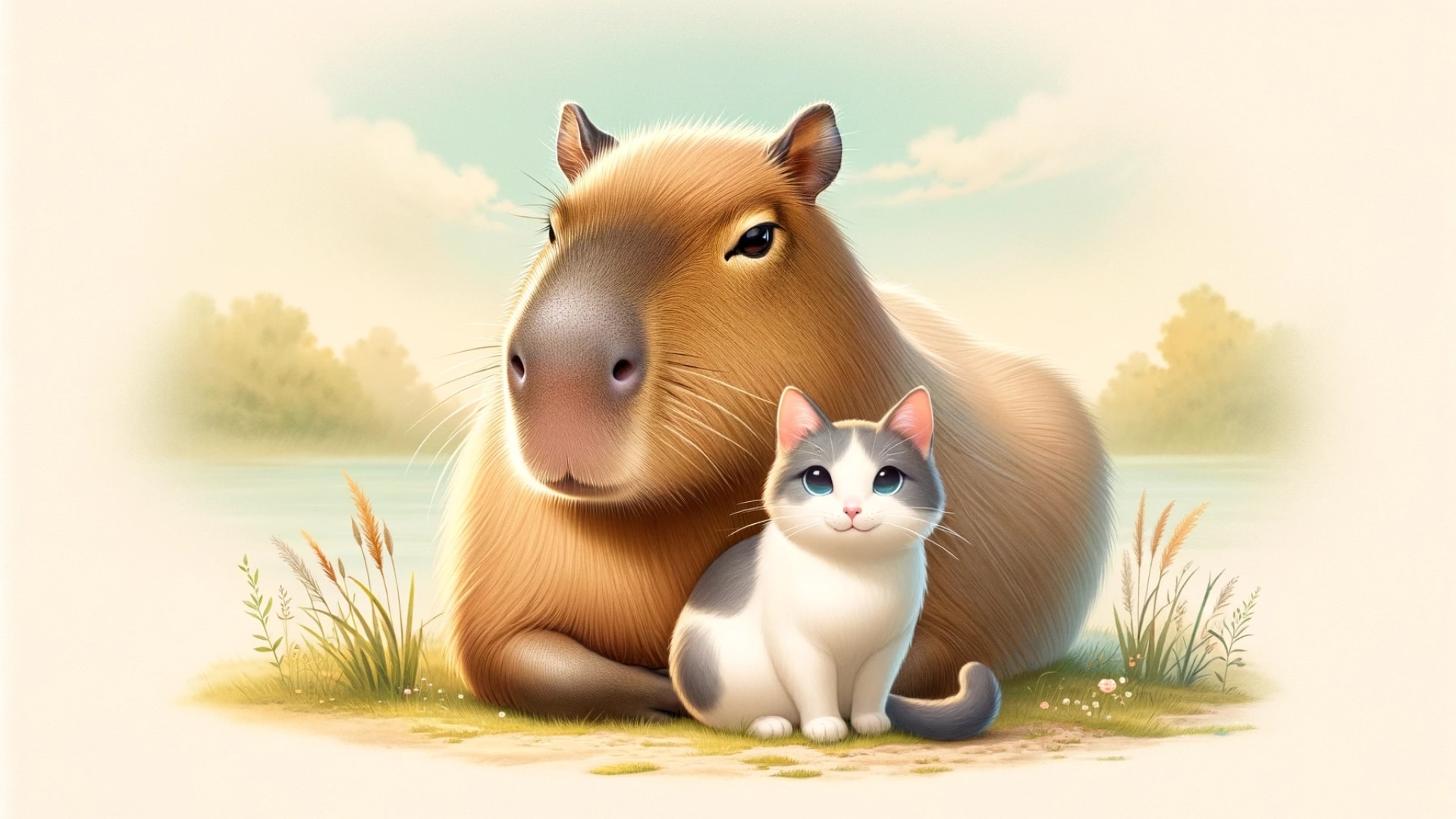
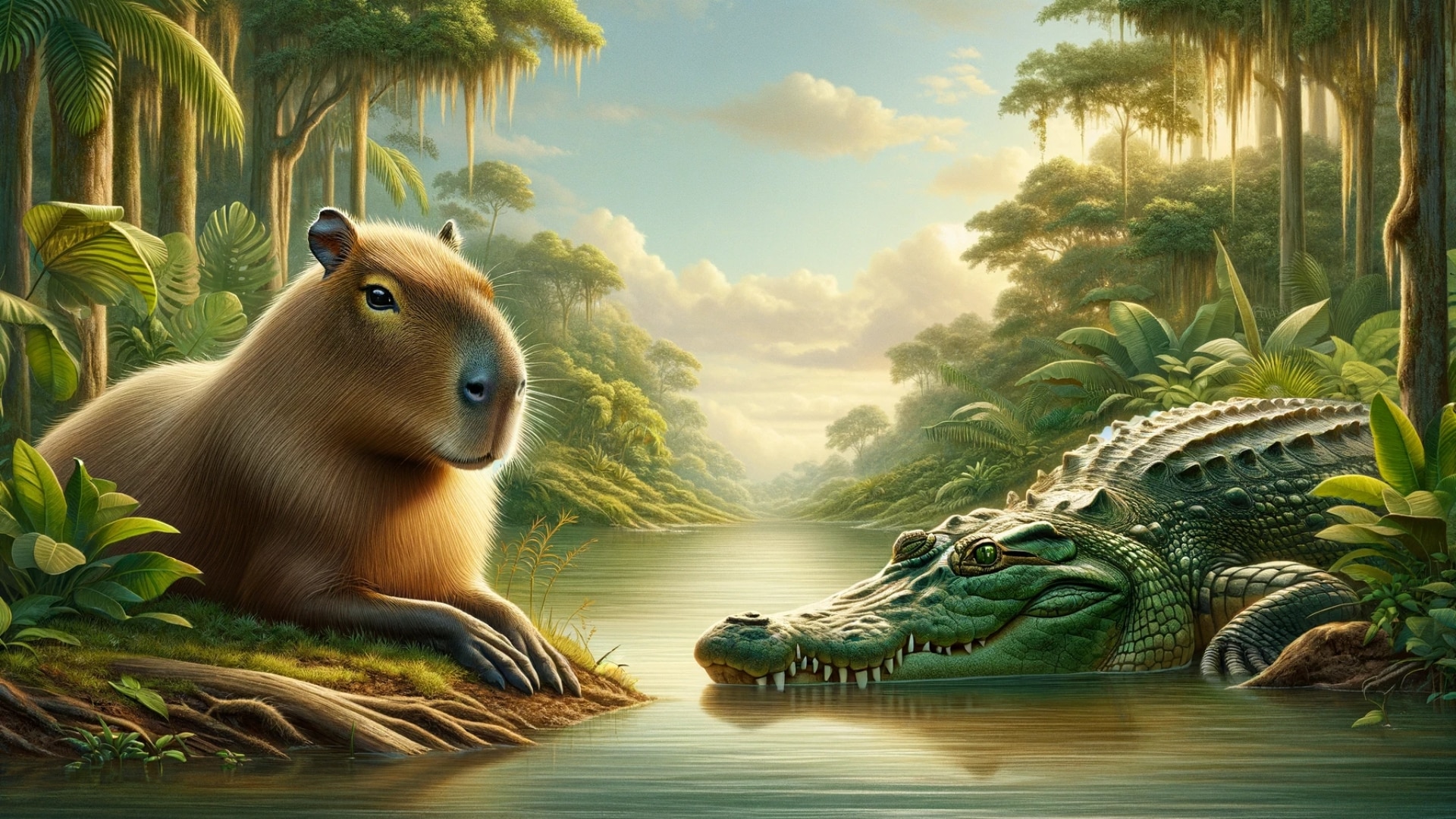
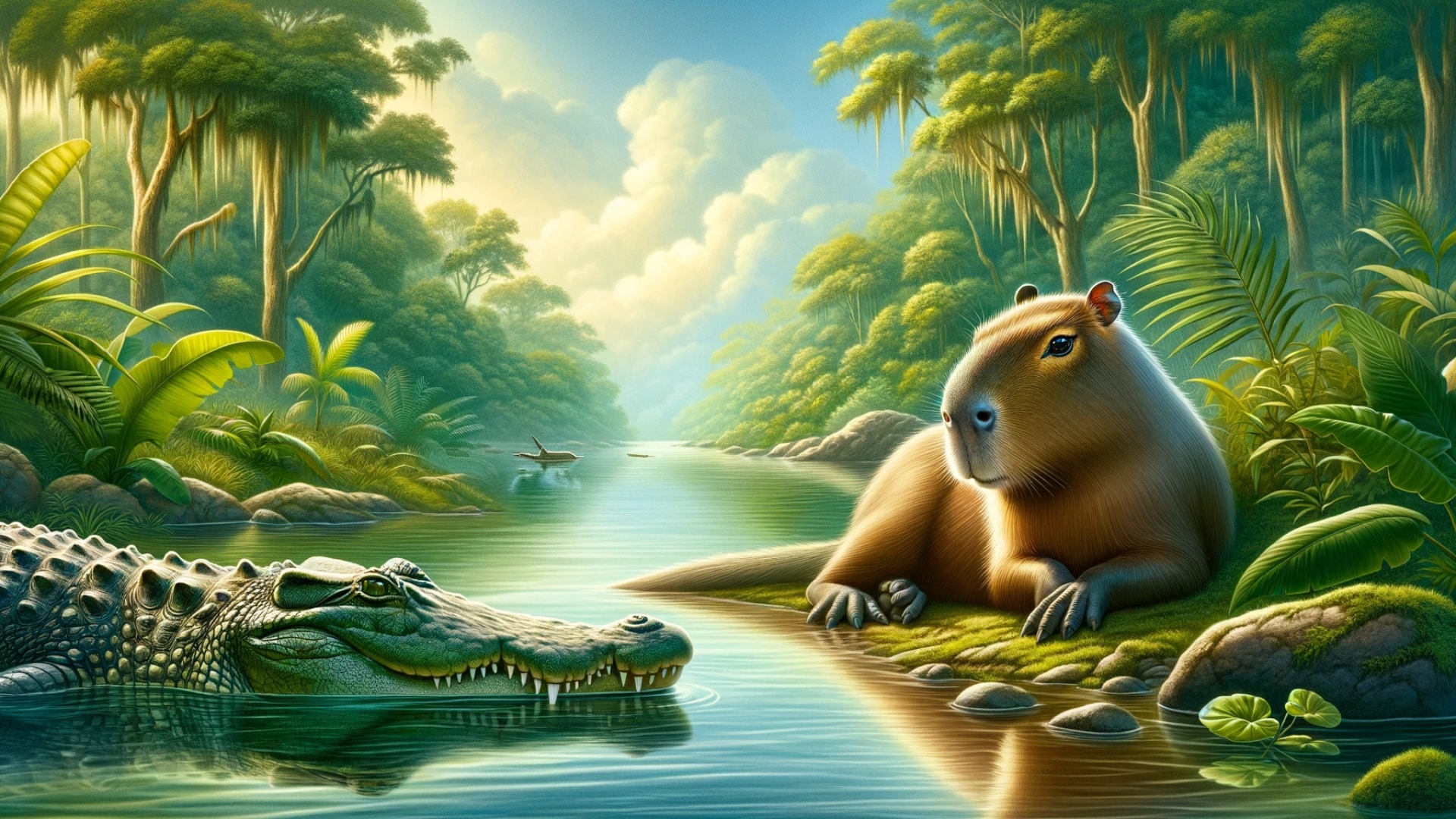
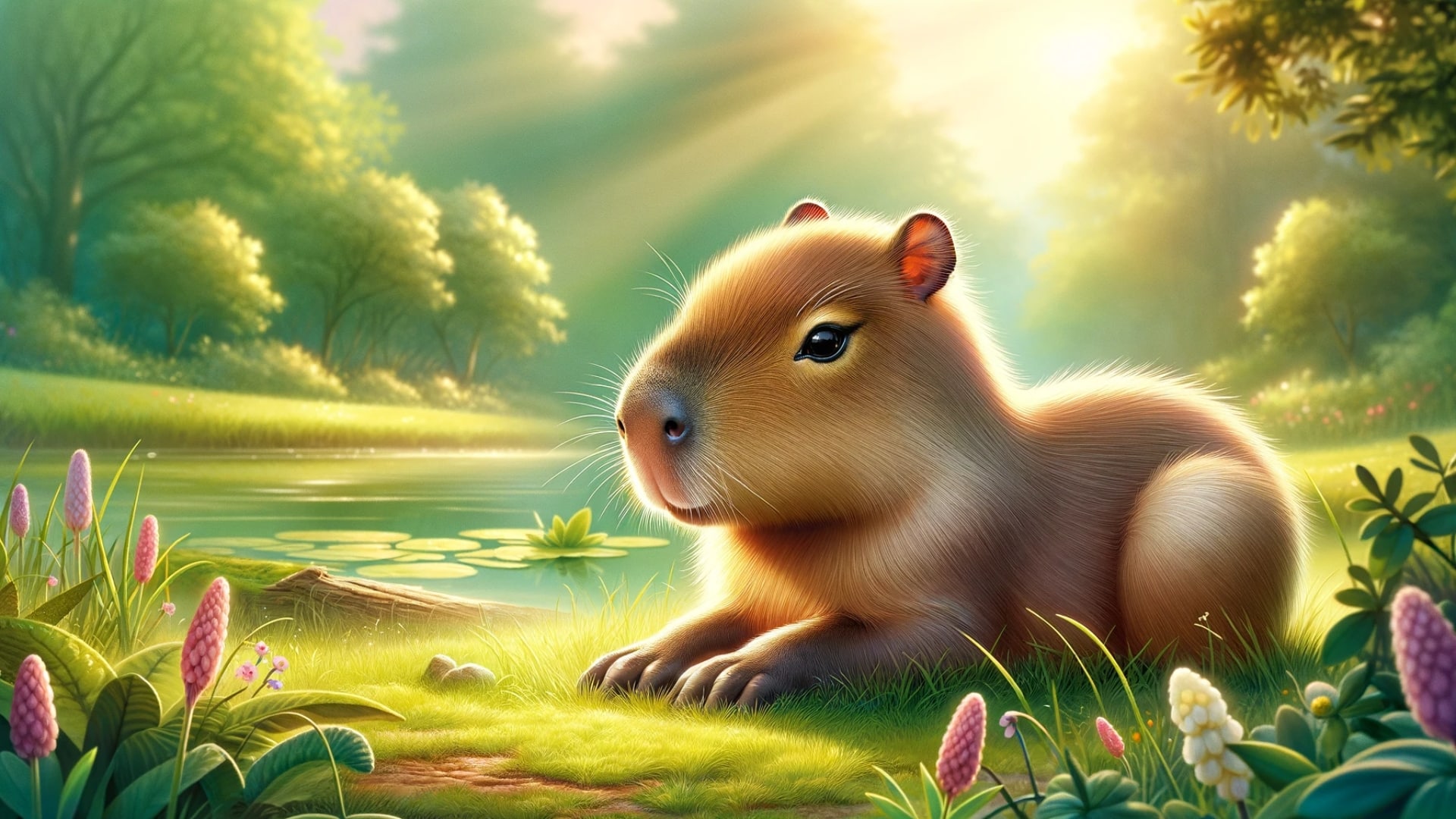
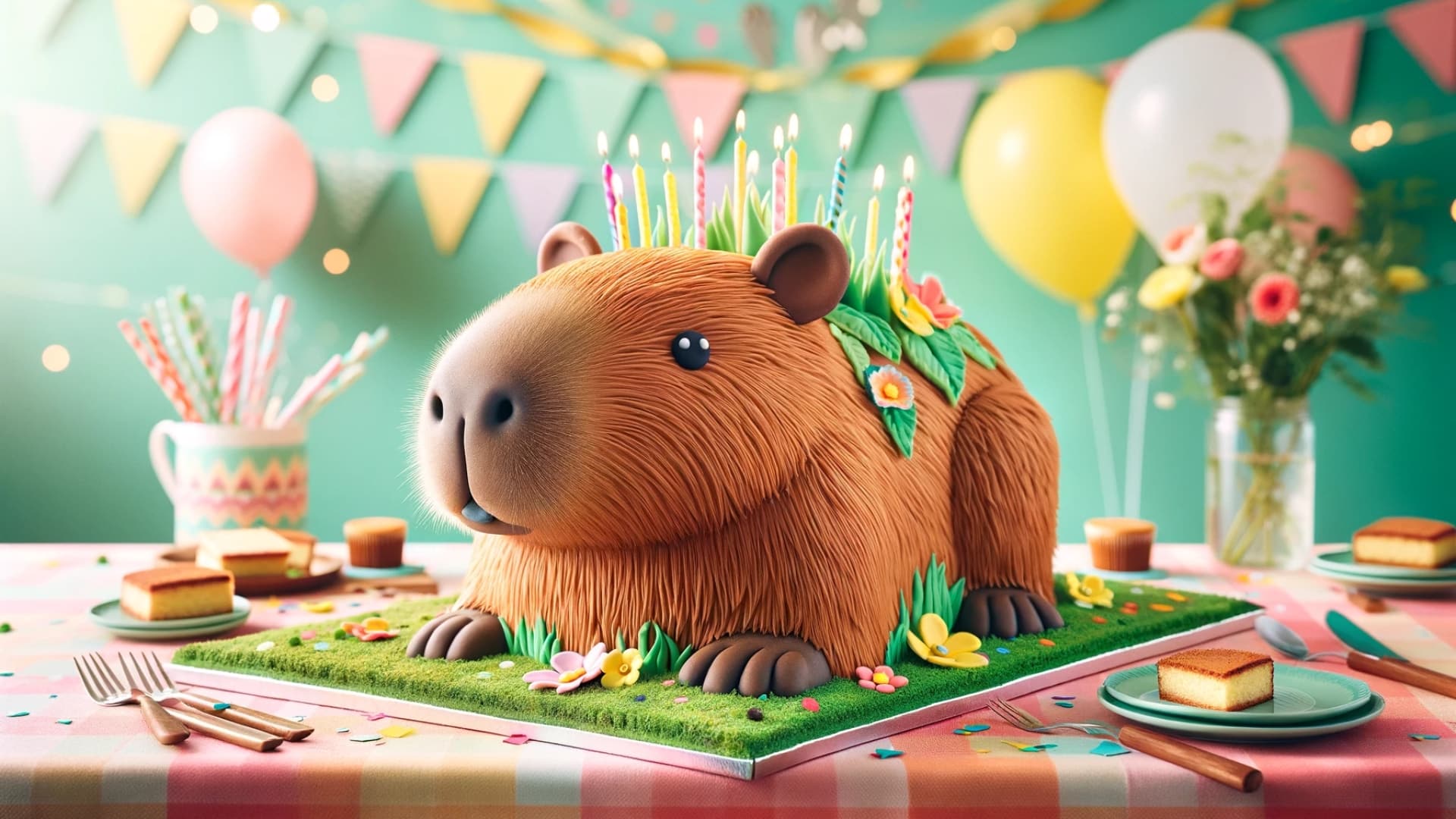
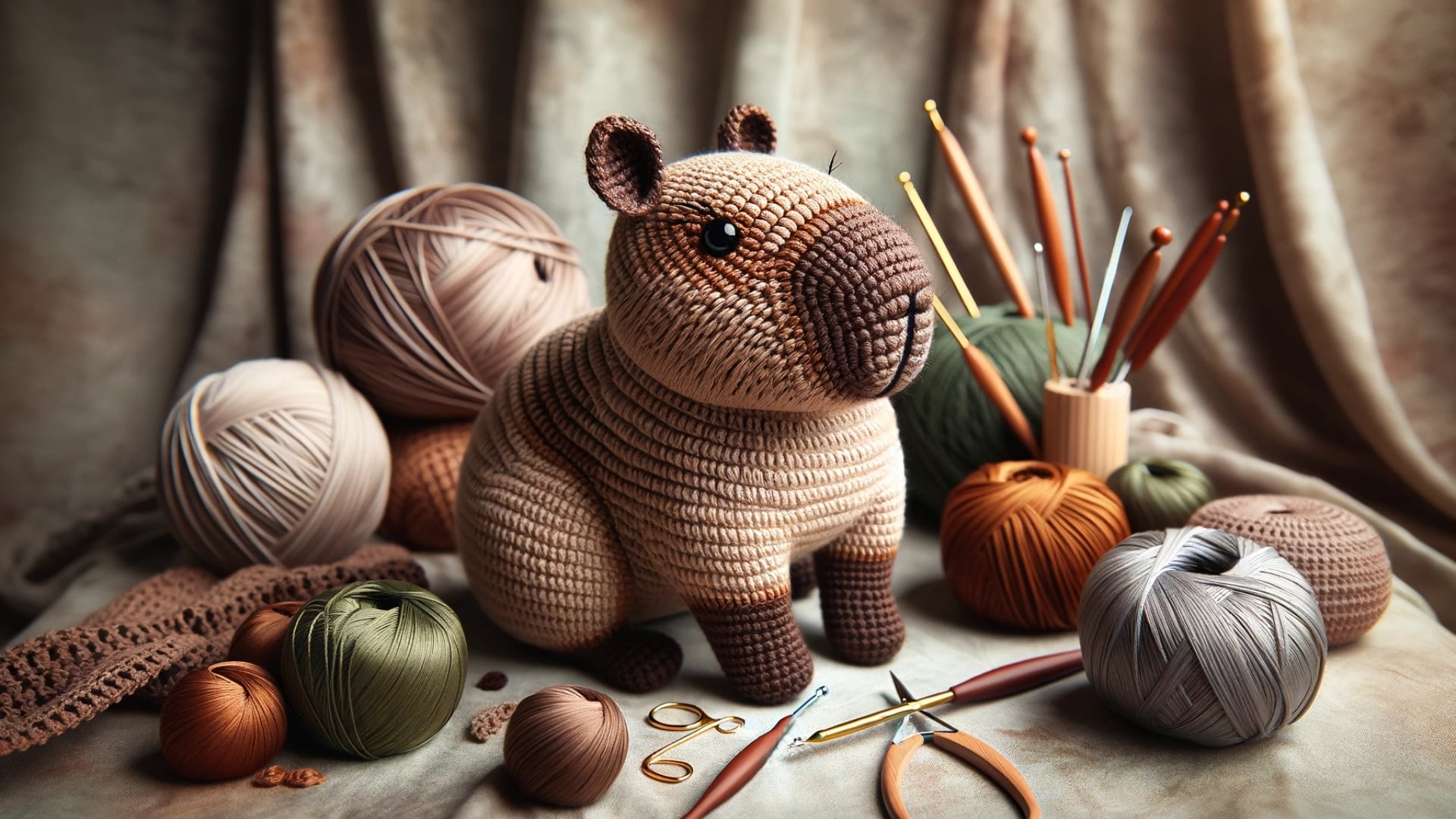
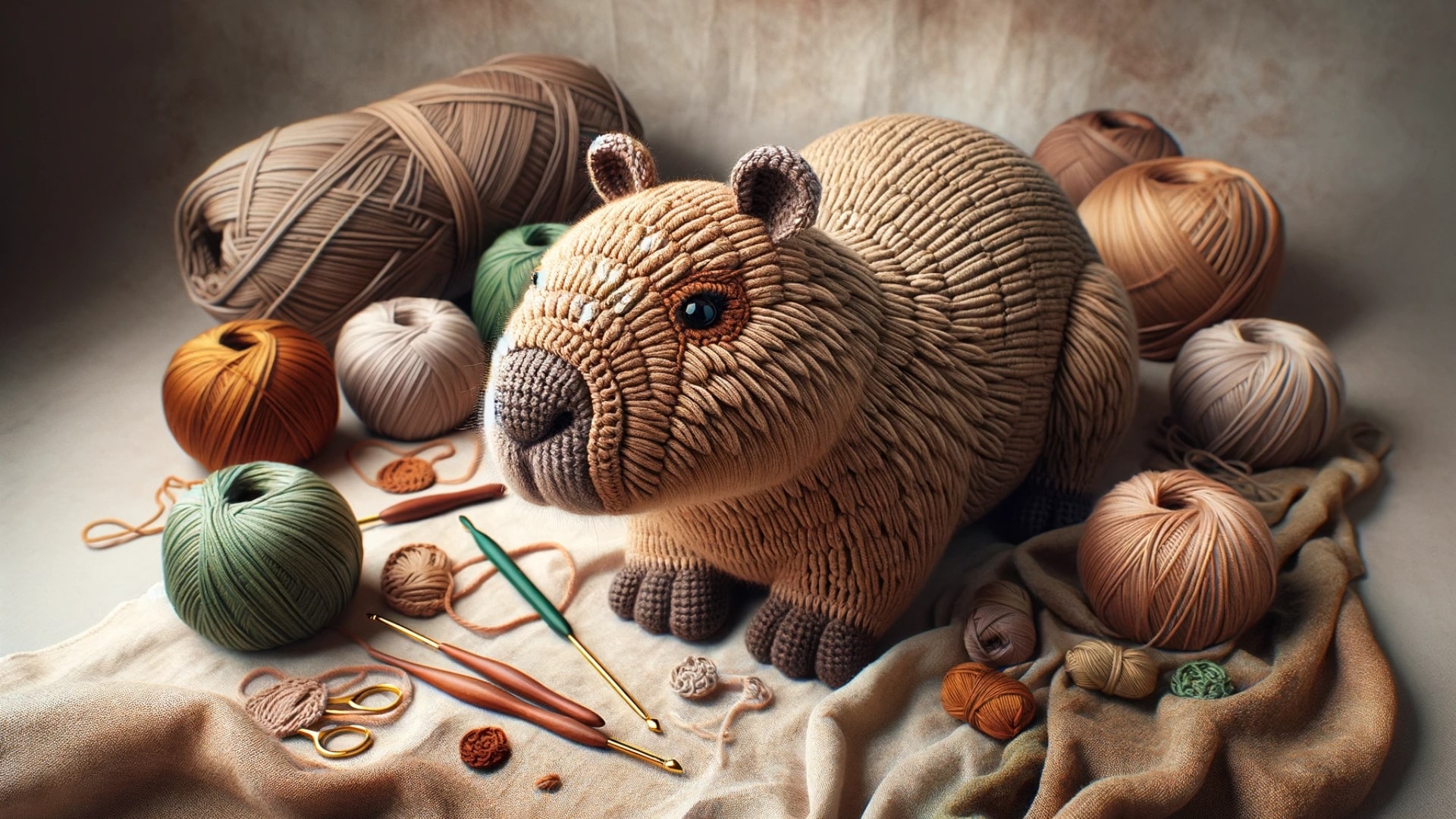
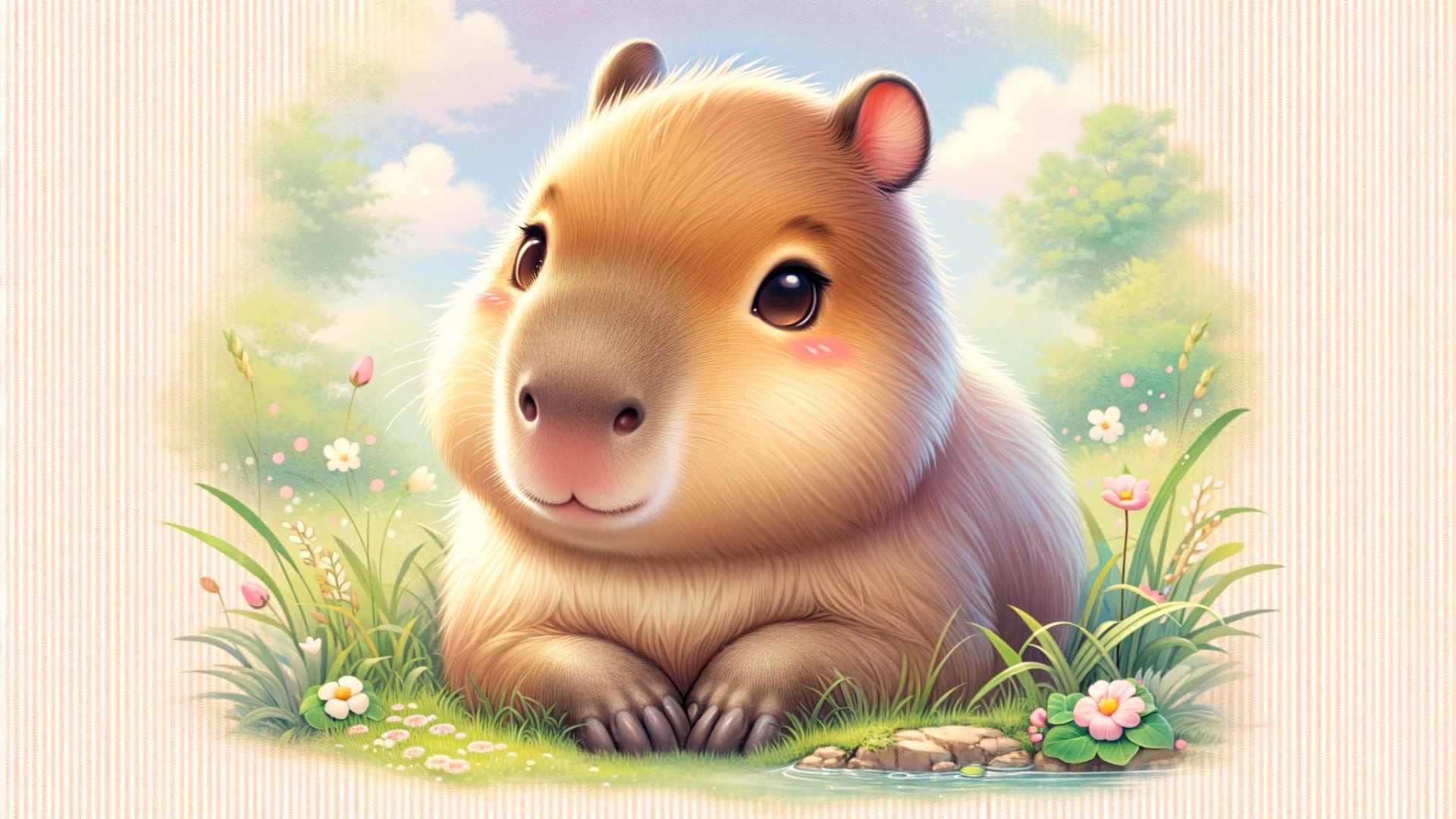
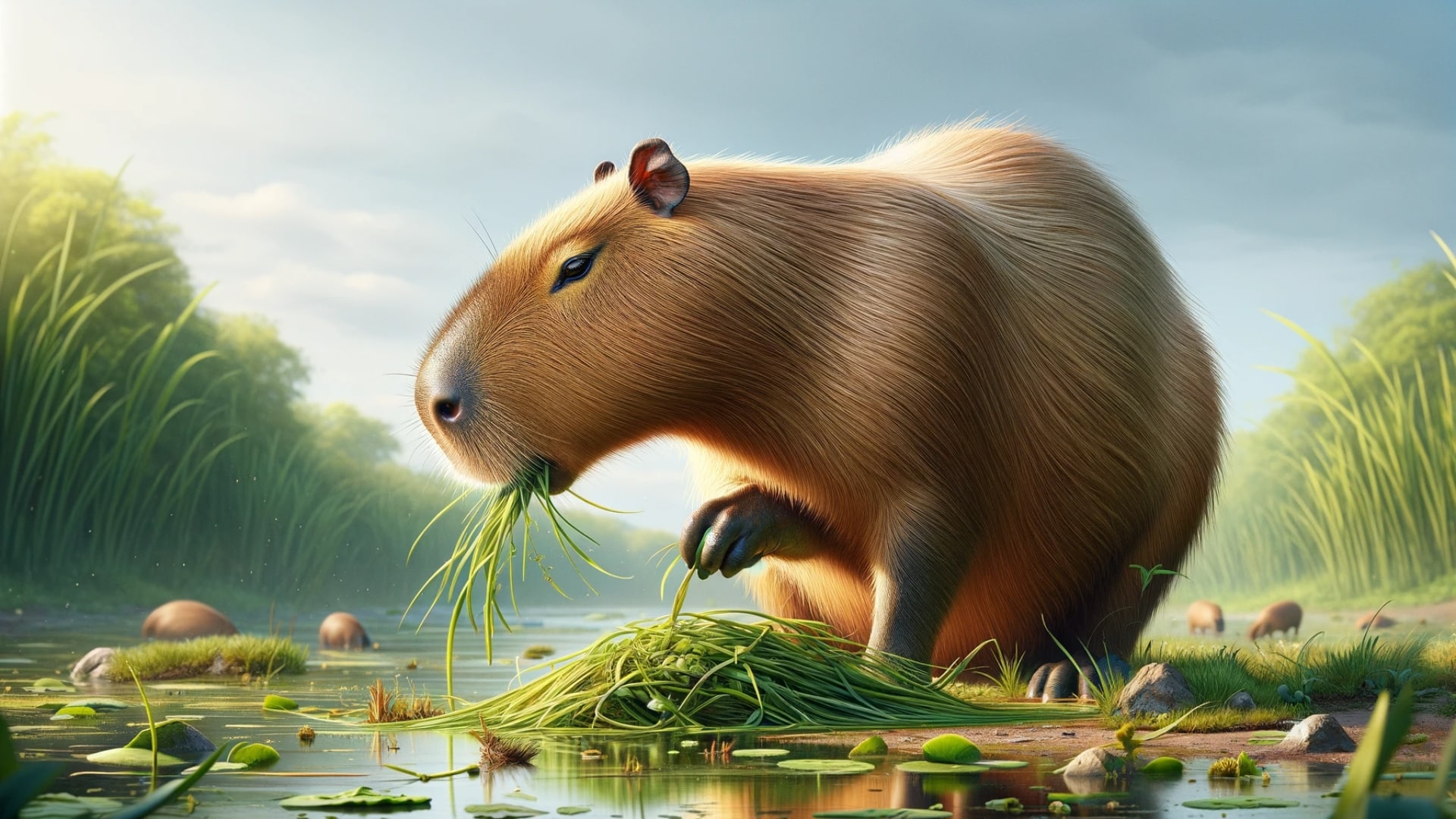
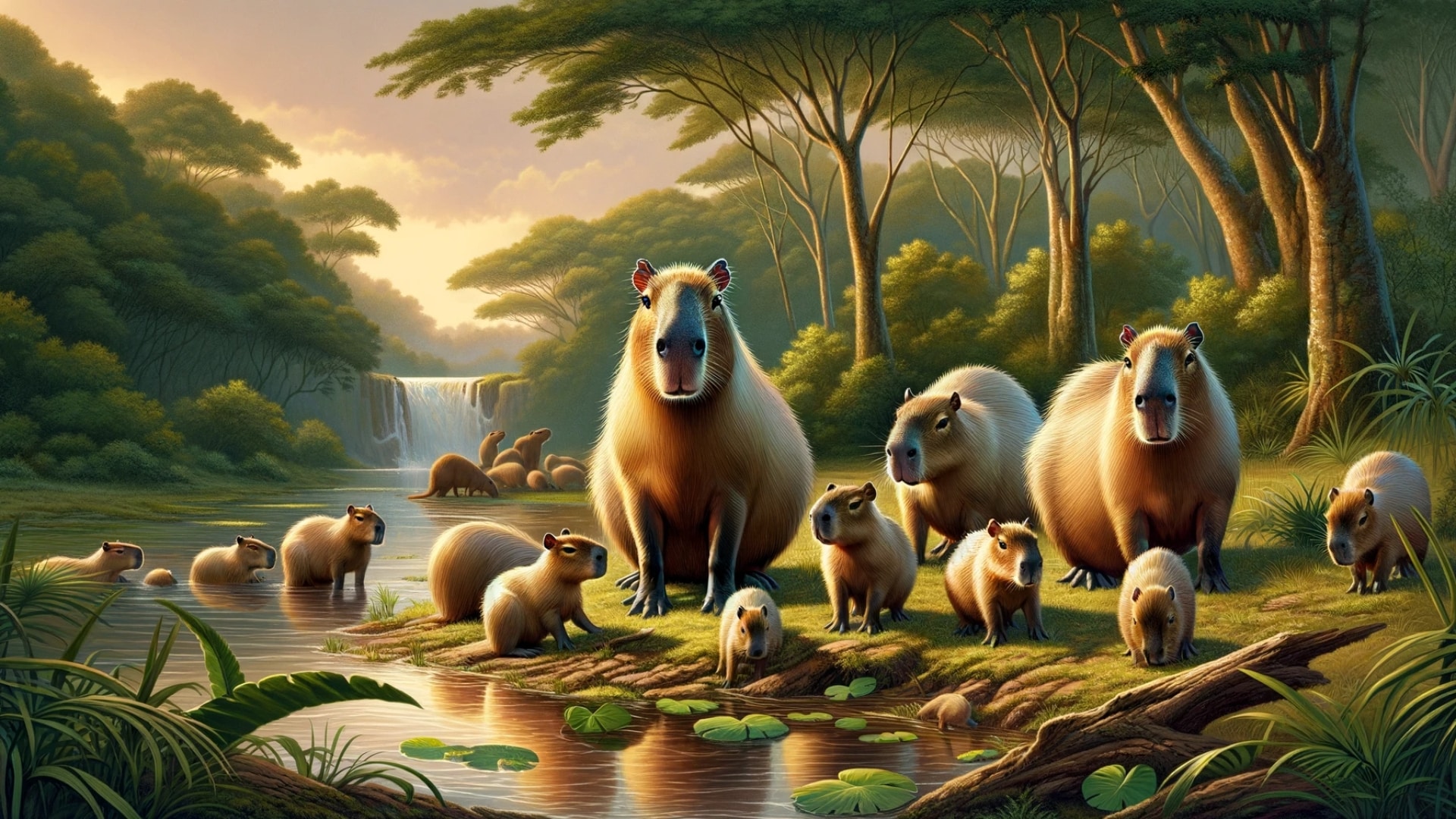
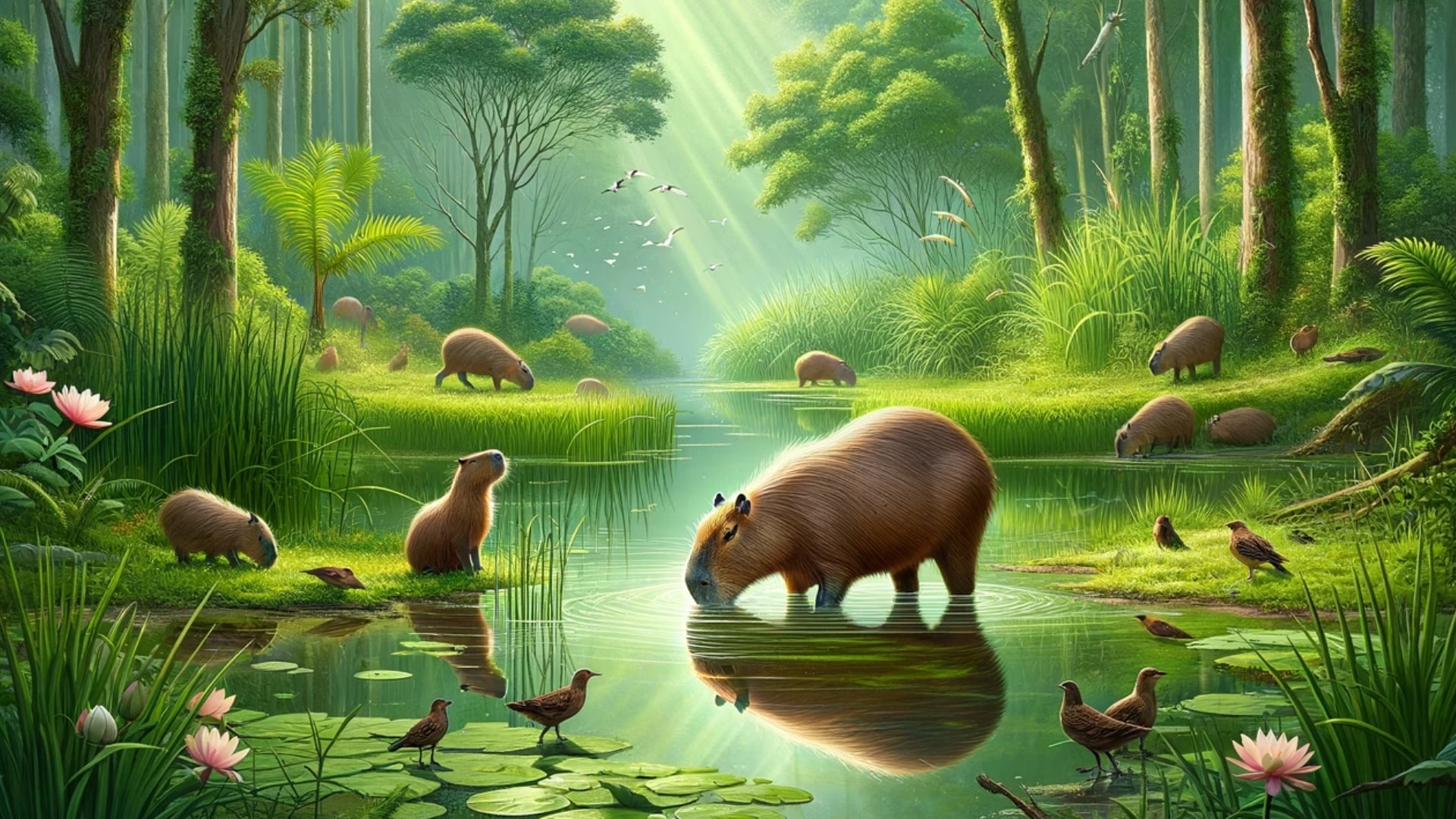
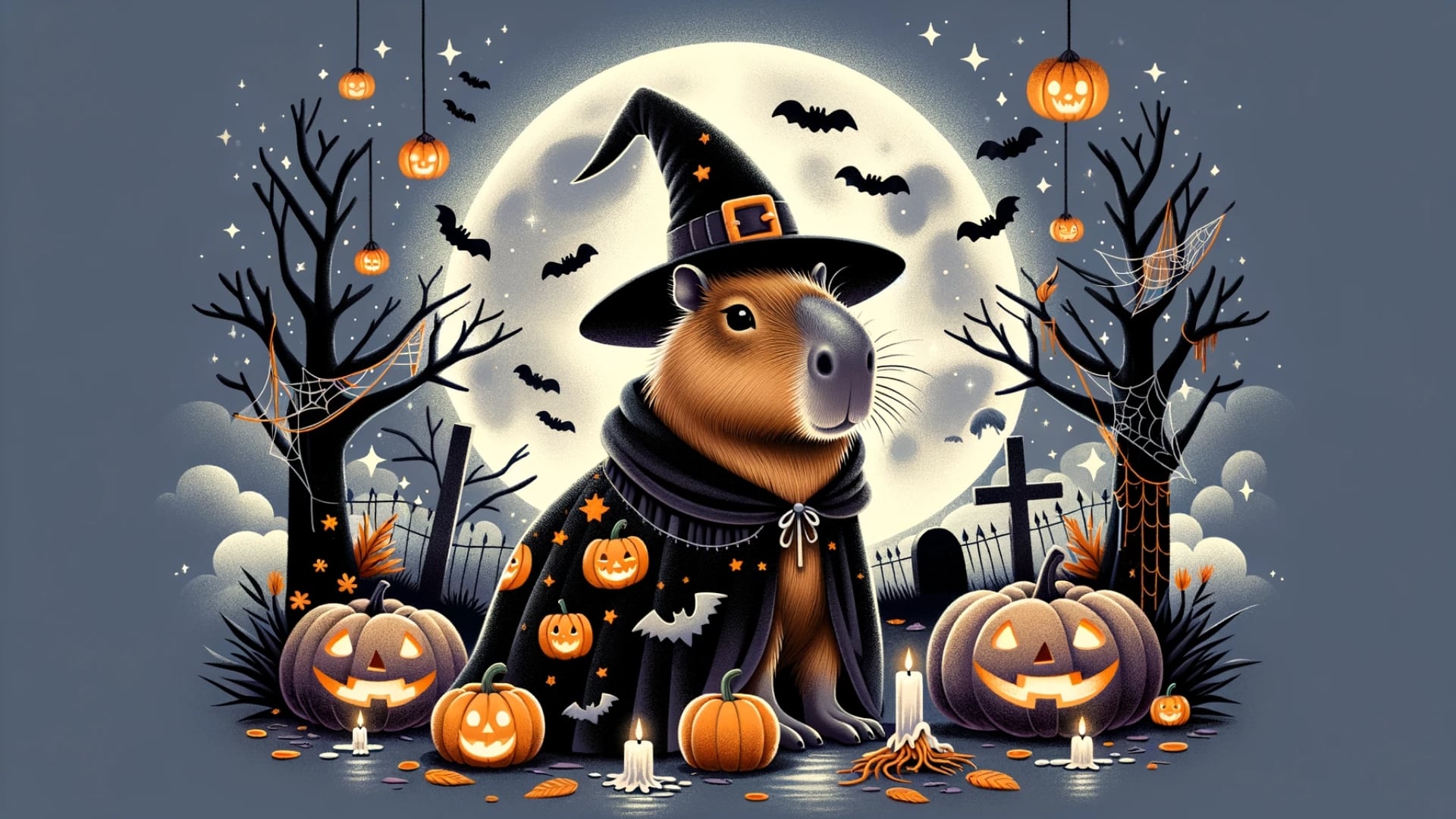
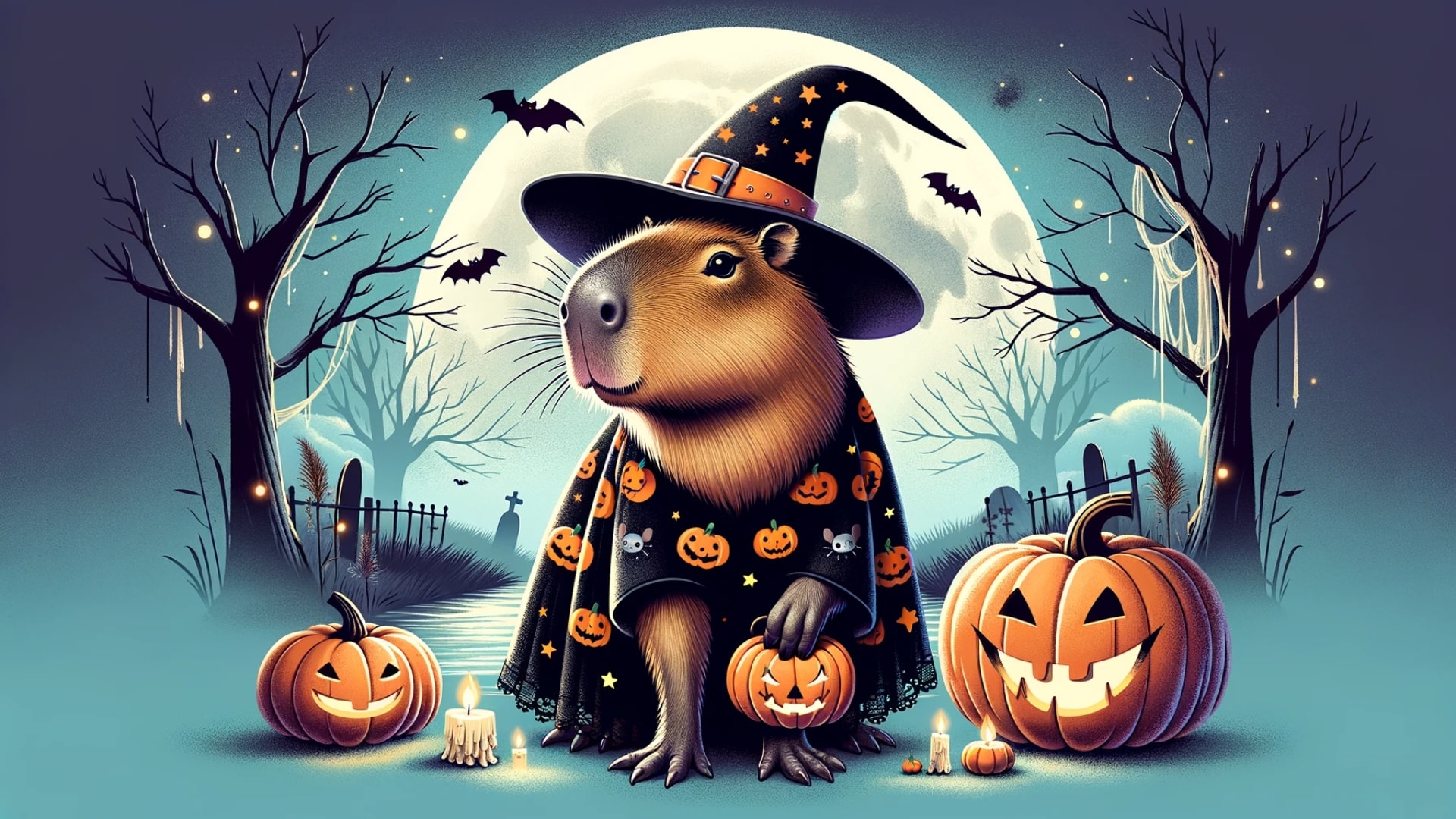
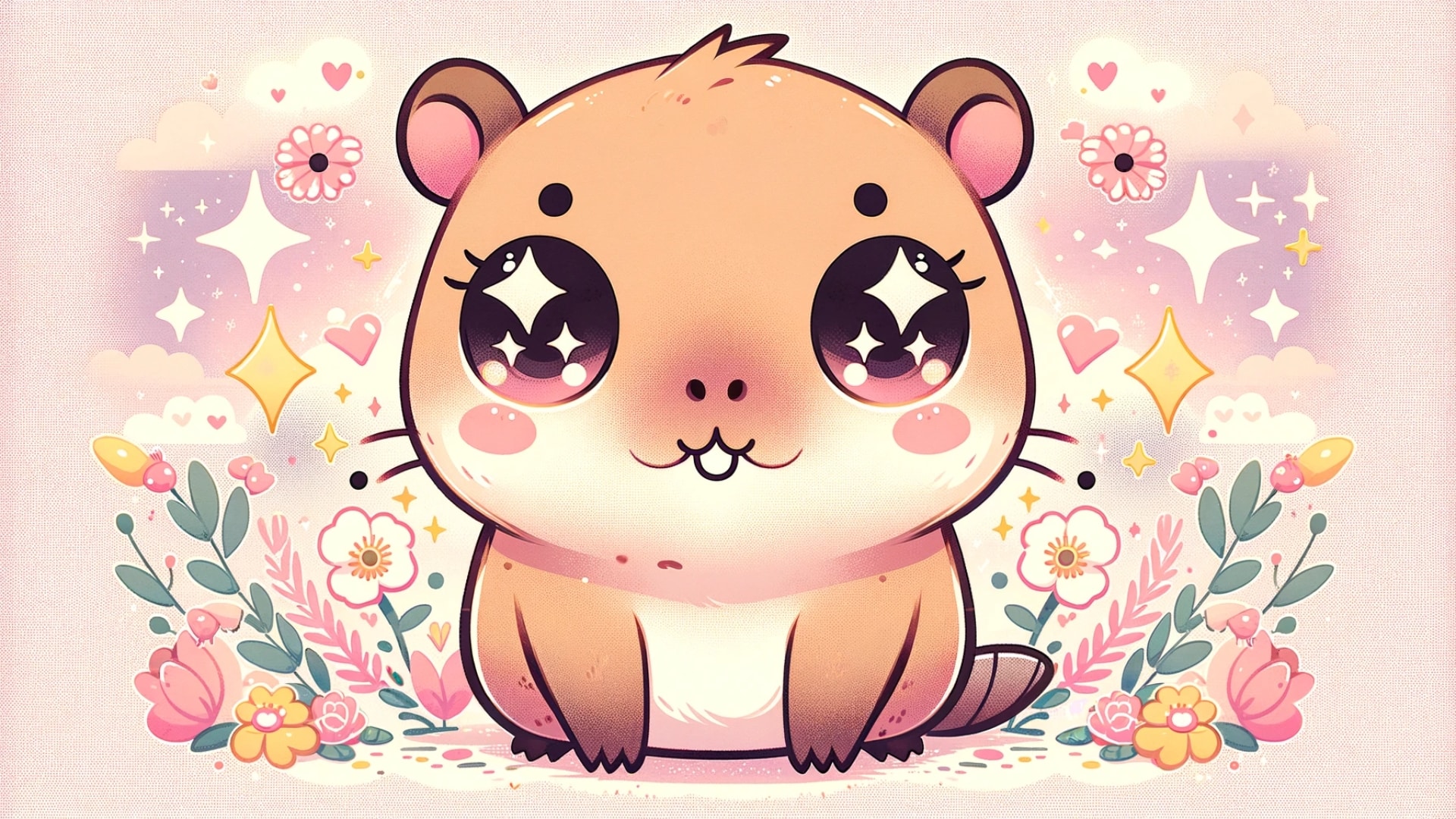
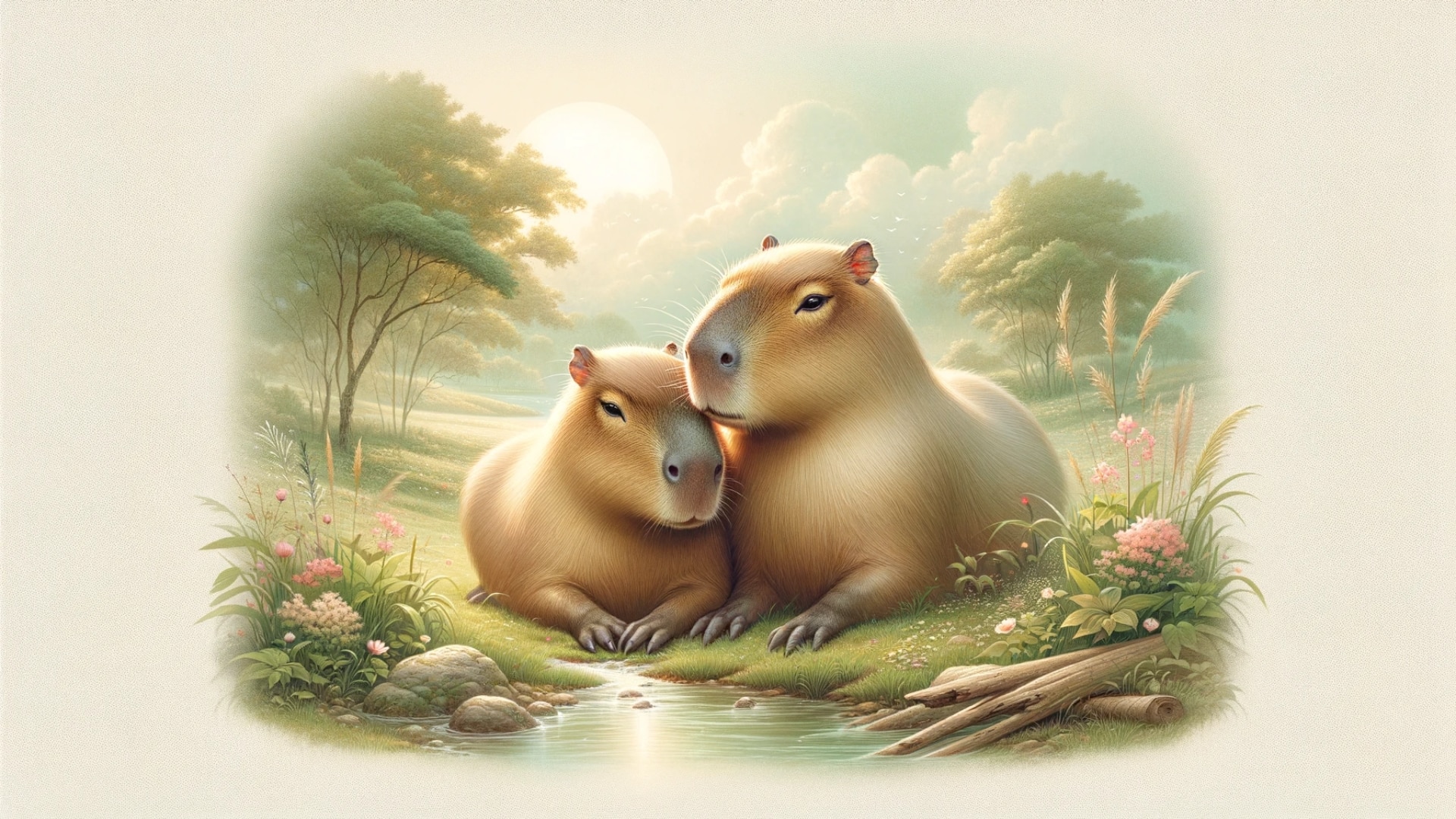
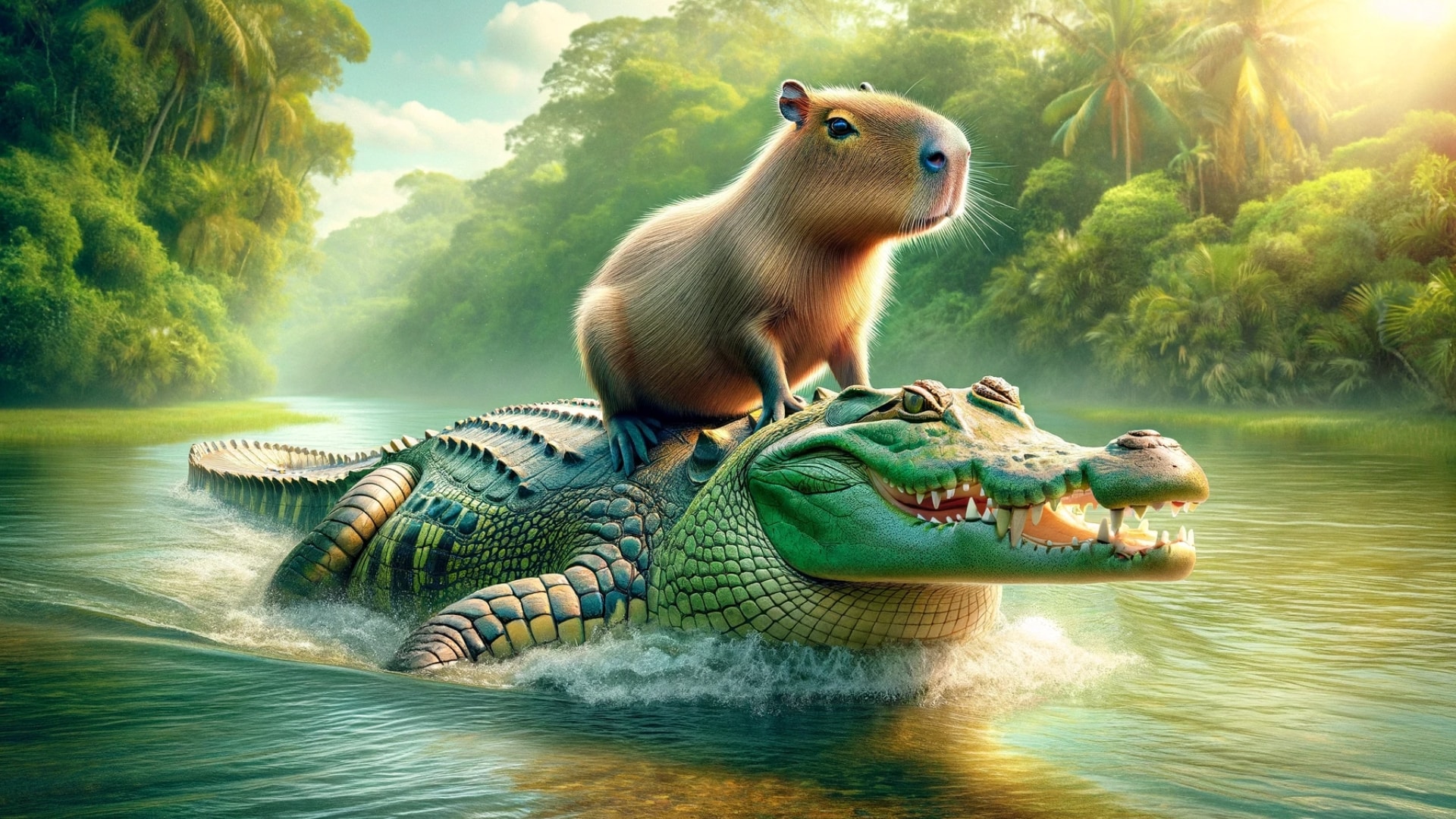
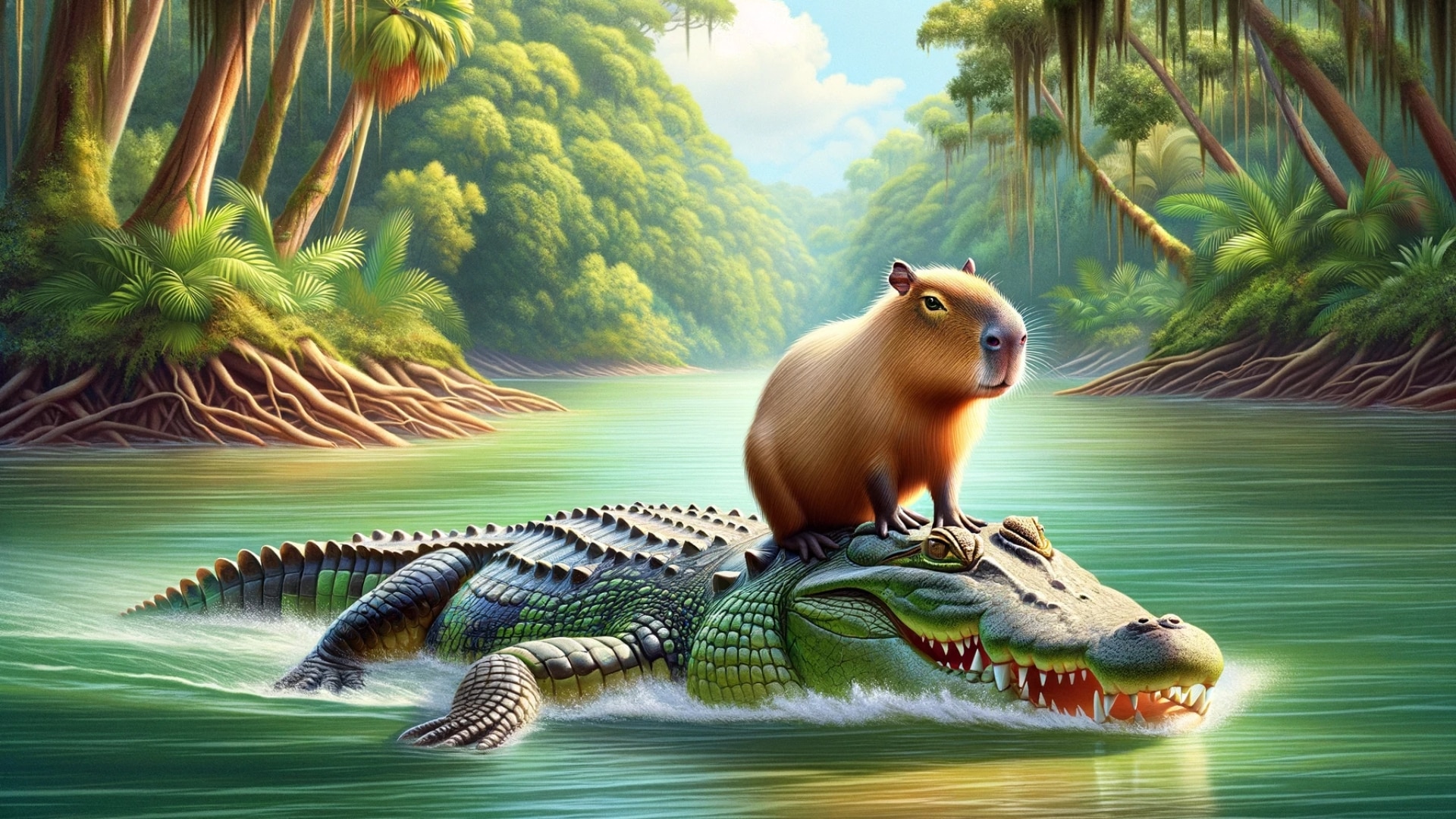
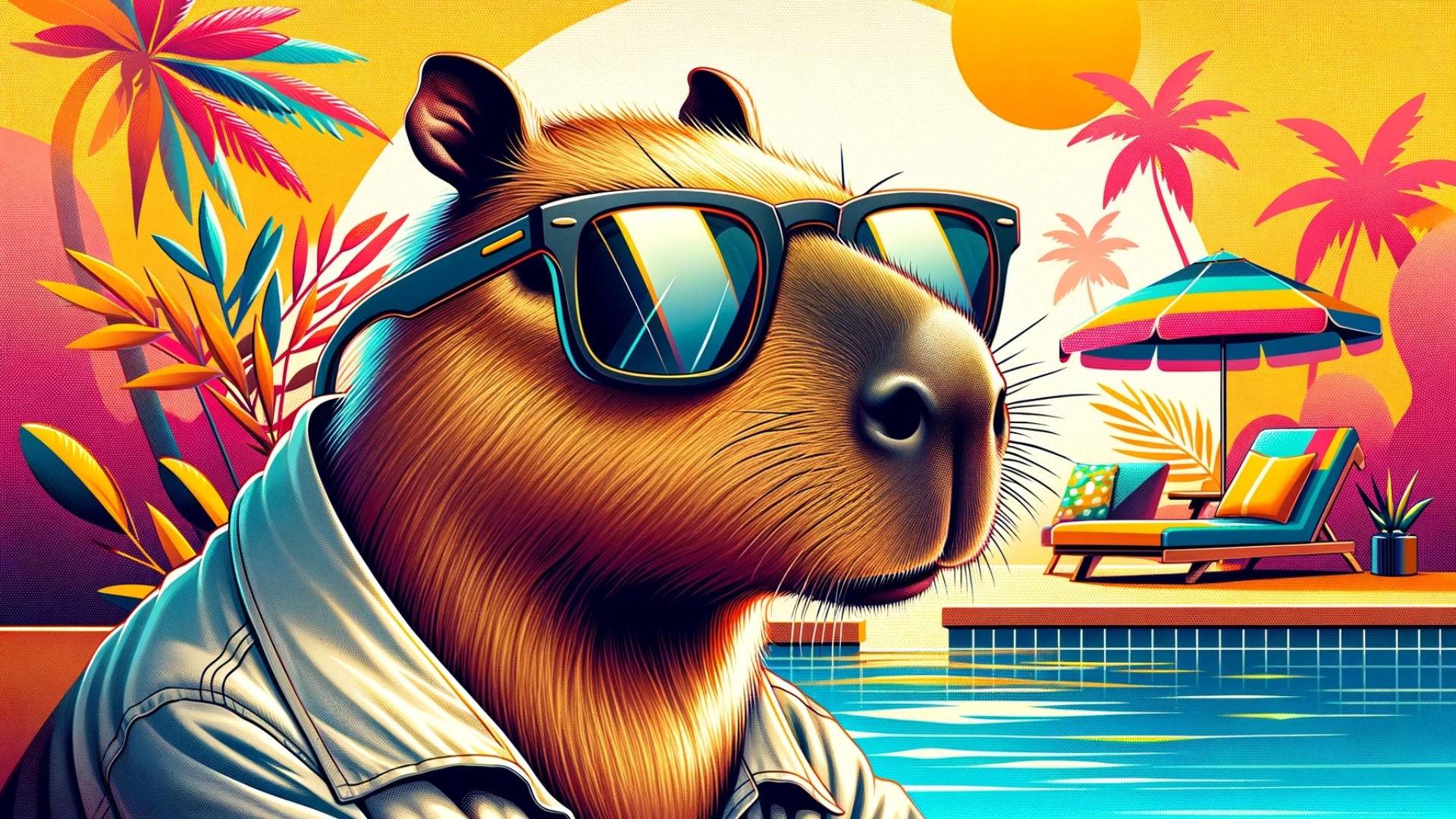
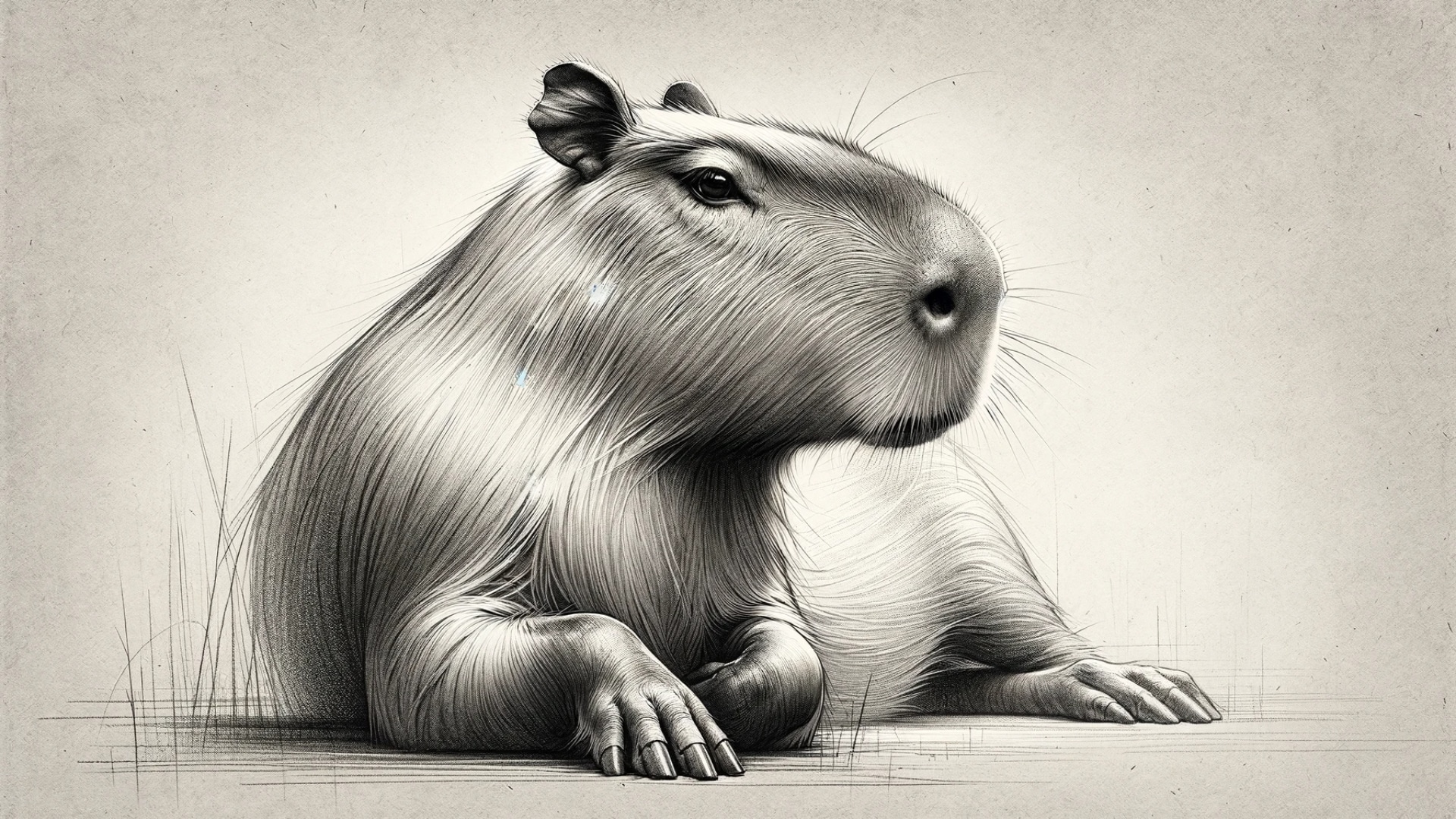
Looking for a fresh background for your computer? This gallery collects our free HD capybara desktop wallpapers in 1920×1080 (16:9), the standard Full HD resolution used by most laptops and monitors. You will find cute and kawaii cartoon capybaras, funny scenes like a capybara riding a crocodile, cozy crochet and birthday-cake designs, a retro capybara in sunglasses, and calm nature shots of capybaras swimming, grazing and relaxing in their natural habitat.
Why 1920×1080 Capybara Wallpapers Work on Most Screens
A 1920×1080 image matches the 16:9 shape of nearly every Windows laptop, budget and mid-range monitor, TV and Chromebook, so the wallpaper fills the screen with no black bars or stretching. On a larger 1440p or 4K monitor, choose the Fill option and your operating system will scale the picture to fit; simple illustrated designs (kawaii, cartoon and sketch styles) scale up especially well. MacBooks use a slightly taller 16:10 screen, so a thin strip at the left and right edges is trimmed when you choose Fill Screen, which rarely cuts into the capybara.
How to Download a Capybara Desktop Wallpaper
- Pick a design from the gallery below.
- Right-click the image and choose Open image in new tab so you see the full 1920×1080 file.
- Right-click again and select Save image as…, then save it to your Pictures folder.
- Set it as your background using the steps for your computer further down this page.
Want one for your phone instead? Vertical designs live on our capybara mobile phone wallpapers (1440×2560) page, and the cartoon collection is on capibara animada cute.
Free HD Capybara Desktop Wallpapers (1920×1080)
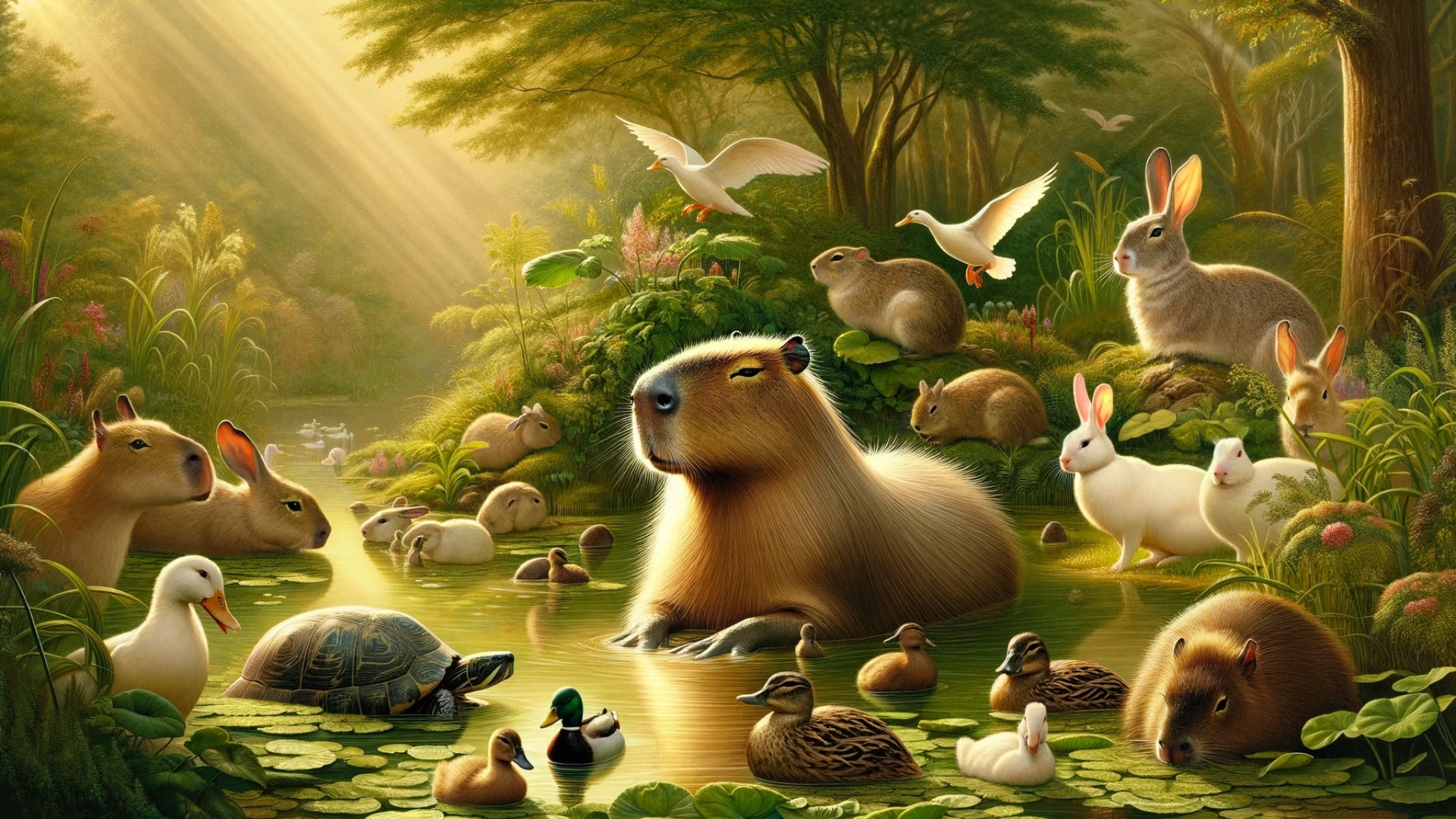
How to Set a Wallpaper on Windows, Mac and Chromebook
- Windows 10 and 11: right-click the saved file and choose Set as desktop background, or open Settings > Personalization > Background, pick Picture, click Browse photos and set the fit to Fill.
- macOS: open System Settings > Wallpaper, click Add Folder or Add Photo, select your capybara image and choose Fill Screen.
- Chromebook: right-click the desktop, choose Set wallpaper & style, open My images and pick the file from Downloads.
- Linux (GNOME/KDE): right-click the desktop and choose Change Background or Configure Desktop, then browse to the image.
Tips for a Clean, Cozy Capybara Desktop
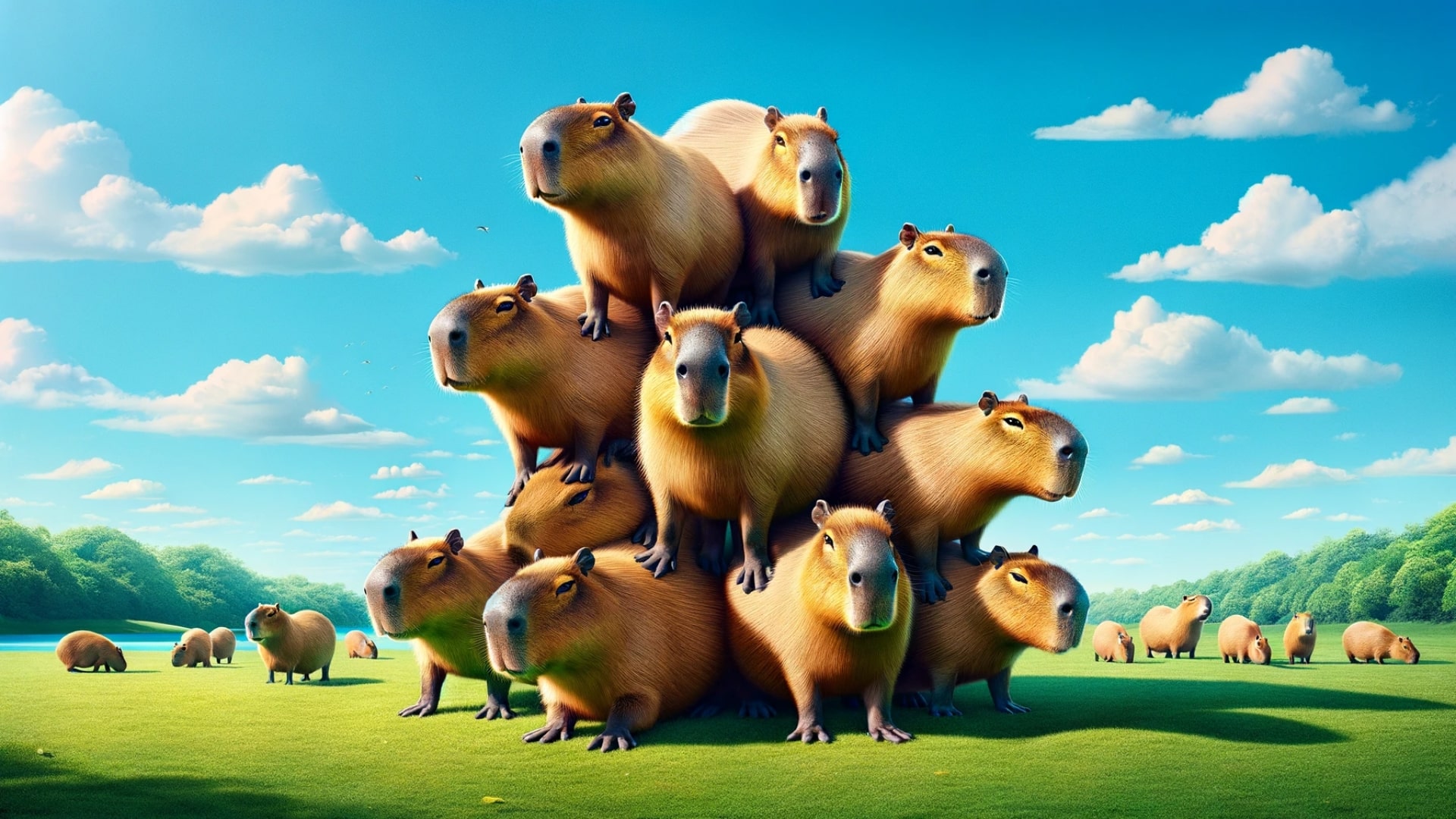
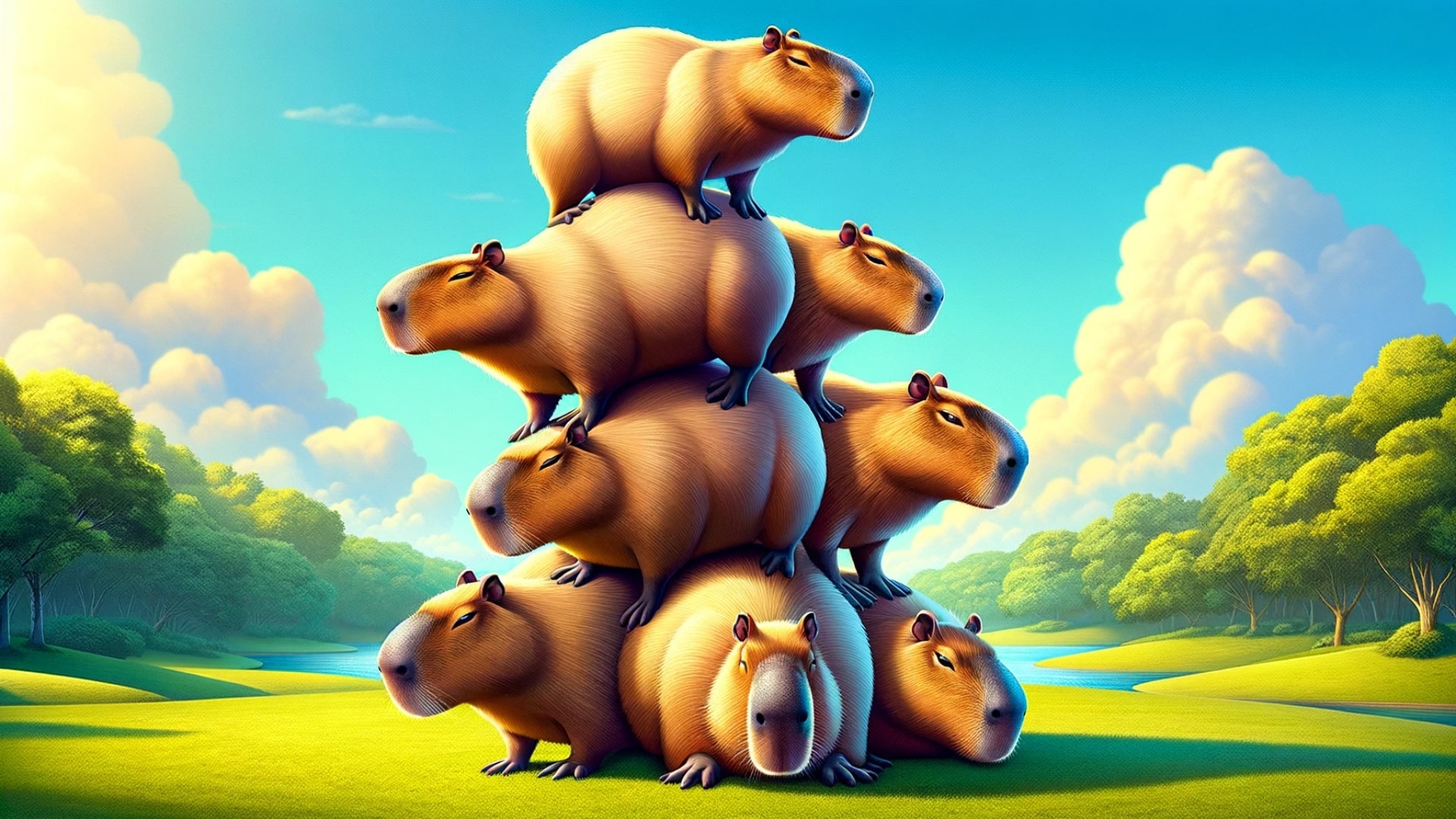
- Keep your icons readable: busy designs like the capybara stack or capybara-with-friends scenes look best with few desktop icons; calm nature and sketch wallpapers leave more empty space.
- Match your theme: pair dark mode with darker designs such as the Halloween costume wallpapers, and light mode with the pastel kawaii and baby capybara images.
- Rotate wallpapers: save several files in one folder and use Windows Slideshow or the macOS Rotate option to change them every hour or every day.
- Dual monitors: use a different capybara on each screen, for example the swimming capybara on one and the capybara family on the other.
- Video calls: most of these images also work as a fun virtual background in Zoom, Teams or Google Meet.
The Story Behind the Designs
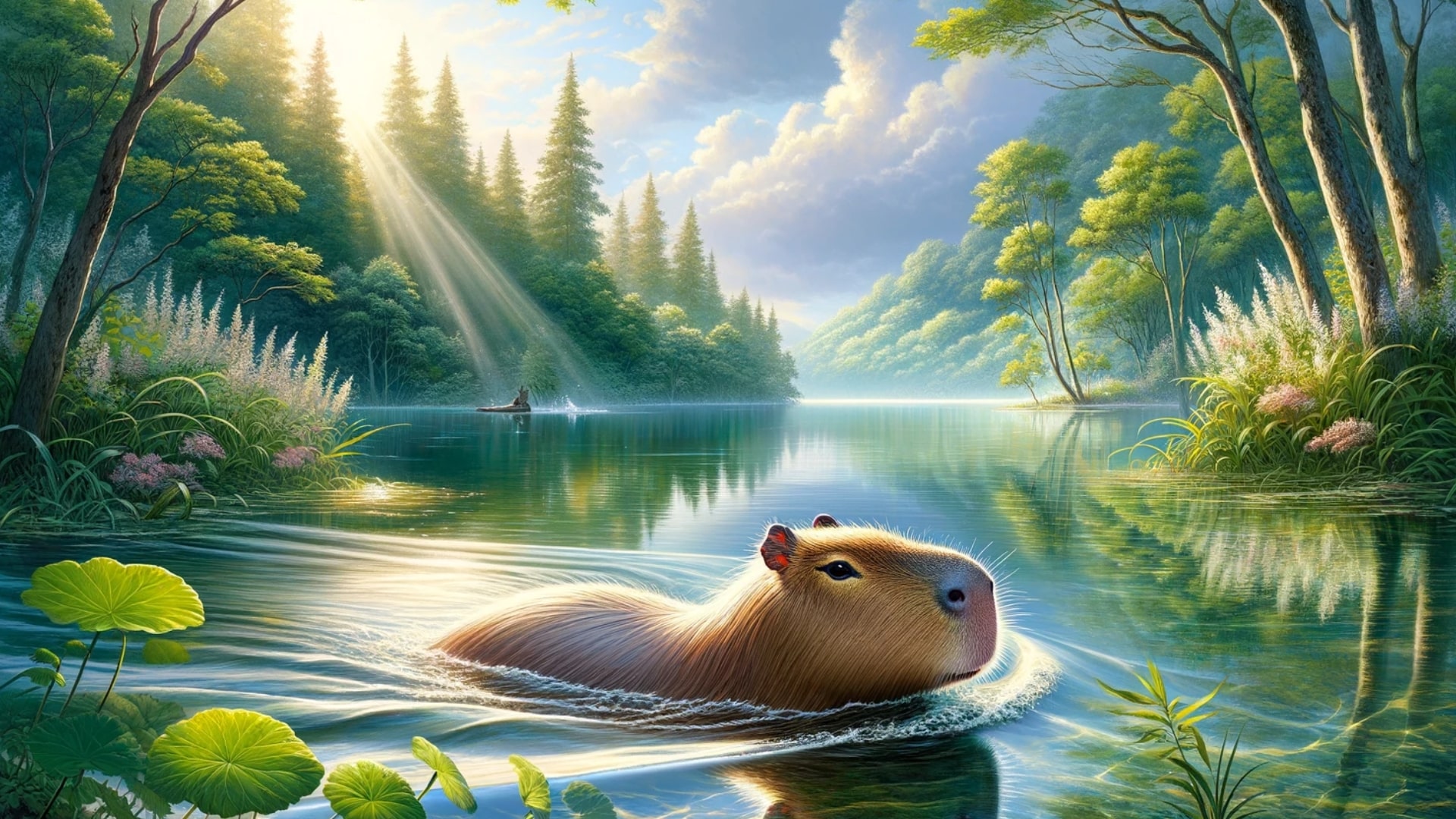
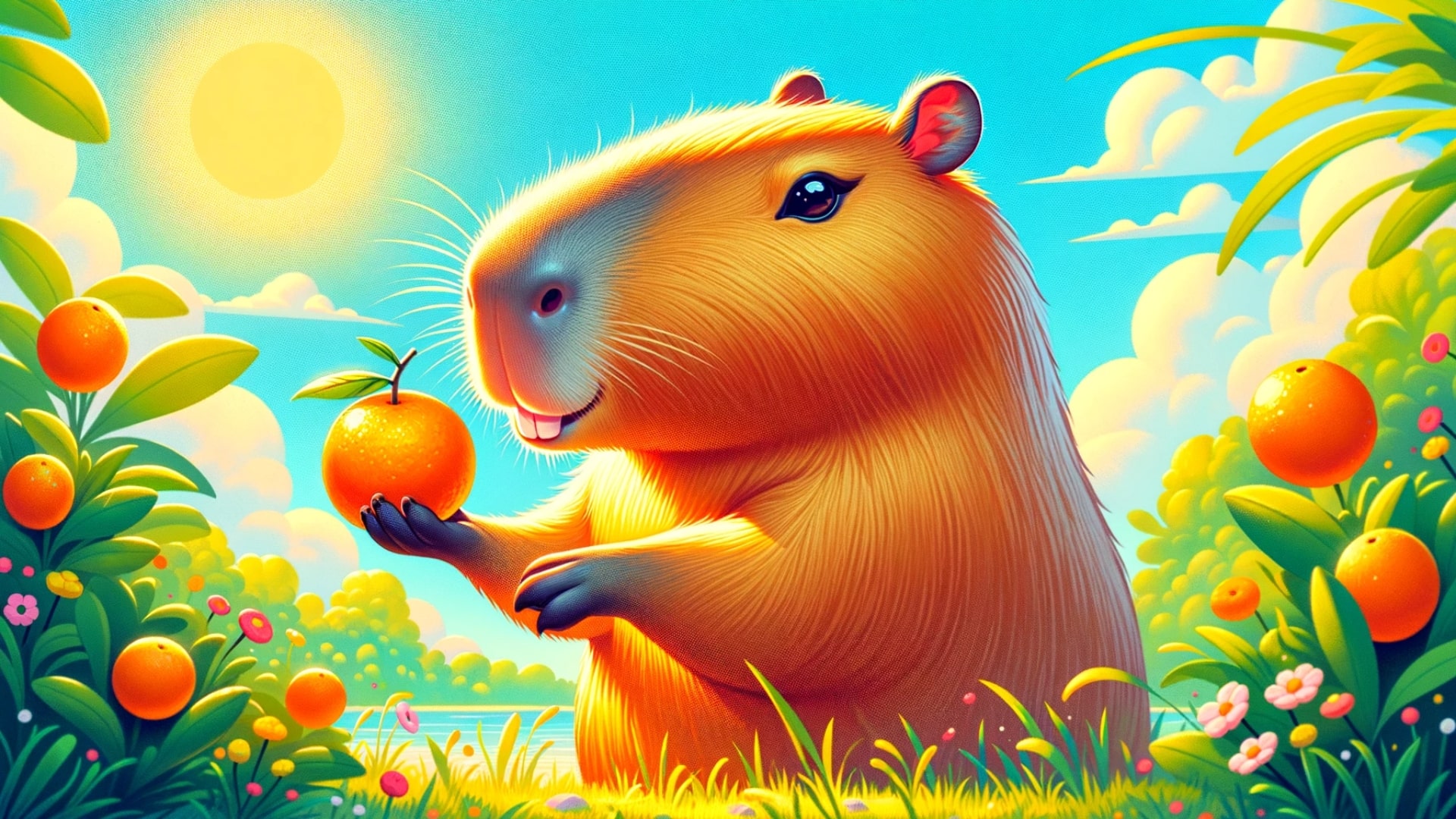
Several wallpapers here are based on real capybara behavior. Capybaras really are famous for letting birds, monkeys and even caimans sit near or on them, which inspired the crocodile and “with other animals” designs; learn more in do crocodiles or alligators eat capybaras? The orange-on-the-head look comes from a viral zoo trend explained in why do capybaras like oranges, and the relaxed, social mood of many images reflects why capybaras are so chill. The swimming wallpaper is a nod to their semi-aquatic lifestyle covered in can capybaras swim?, and the baby design pairs well with our guide to baby capybaras.
More Free Capybara Downloads
- All capybara wallpapers for phone and desktop
- Capybara phone wallpapers (1440×2560 and 4K)
- Capibara animada cute cartoon wallpapers
- Capybara Christmas coloring pages and other free capybara printables
- Gift ideas for capybara fans: capybara Christmas gifts, stocking stuffers under $10 and capybara plush toys
- Learn more: capybara facts and where capybaras live
Frequently Asked Questions
Are these capybara desktop wallpapers free?
Yes. Every wallpaper on this page is free to download for personal use on your own computer, laptop or tablet. Please do not re-upload, sell or print them for commercial use.
What resolution are the wallpapers?
They are 1920×1080 pixels (Full HD, 16:9). That fits most laptops and monitors exactly and scales cleanly to 1440p and 4K screens with the Fill setting.
Will they look good on a MacBook or ultrawide monitor?
On a MacBook (16:10) a small amount is trimmed from the sides. On a 21:9 ultrawide, the top and bottom are cropped more noticeably, so pick designs with the capybara near the center, such as the cute, kawaii or sketch wallpapers.
Can I use them on my phone?
You can, but horizontal images get cropped heavily on a tall phone screen. For phones, use our vertical 1440×2560 and 4K capybara phone wallpapers instead.
How often do you add new capybara wallpapers?
We publish new designs every week, including seasonal winter and Christmas wallpapers. Check the main capybara wallpapers hub for the latest releases.